Build one connected group of three
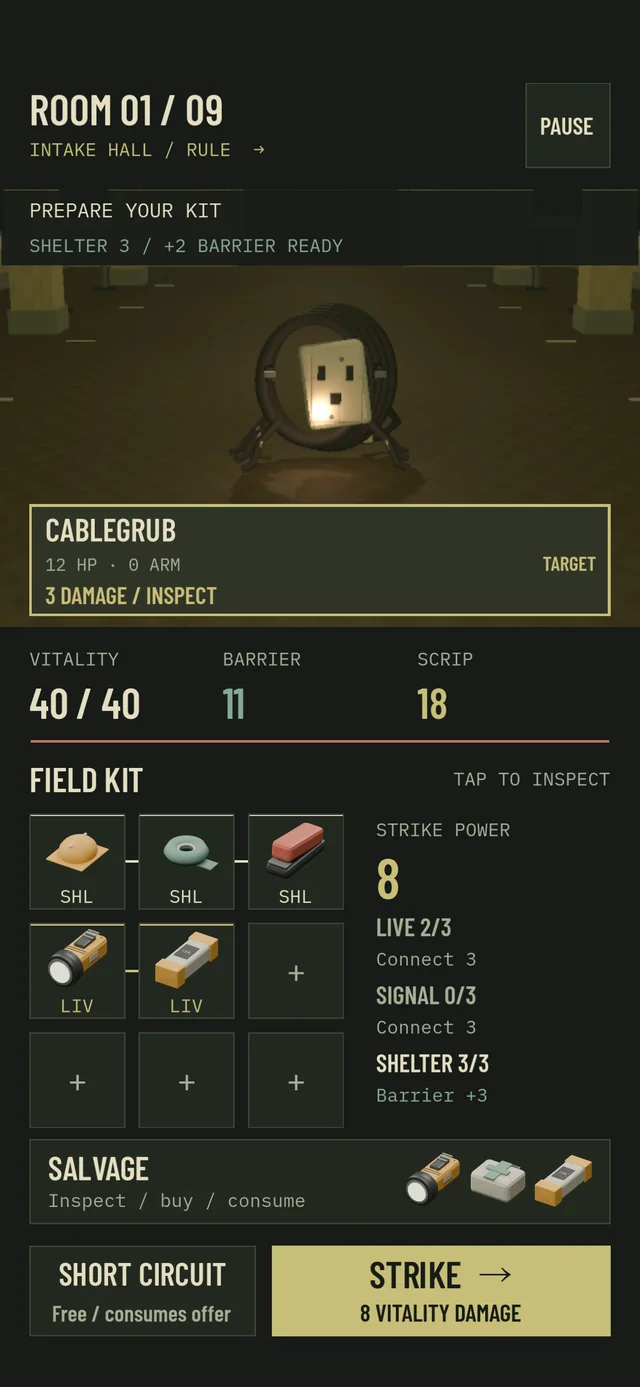
The kit has nine slots arranged in three rows. Matching families connect horizontally or vertically when their slots share an edge. Diagonal contact does not count, and opposite edges of the grid do not wrap around. A connection can bend around a corner; the items do not have to sit in one straight line.
Each family tracks its largest connected group. Three LIVE items scattered across isolated slots do not activate LIVE. Two separate groups of two still count as a largest group of two, rather than a circuit of four. Look at the family count beside your kit to confirm that the arrangement is doing what you intended.
Different objects in the same family connect normally. A Service torch, Ceramic fuse and Twin cells can form a LIVE circuit together. You do not need three identical objects, and carrying a duplicate does not create a special bonus by itself.
Make the first connection before attacking
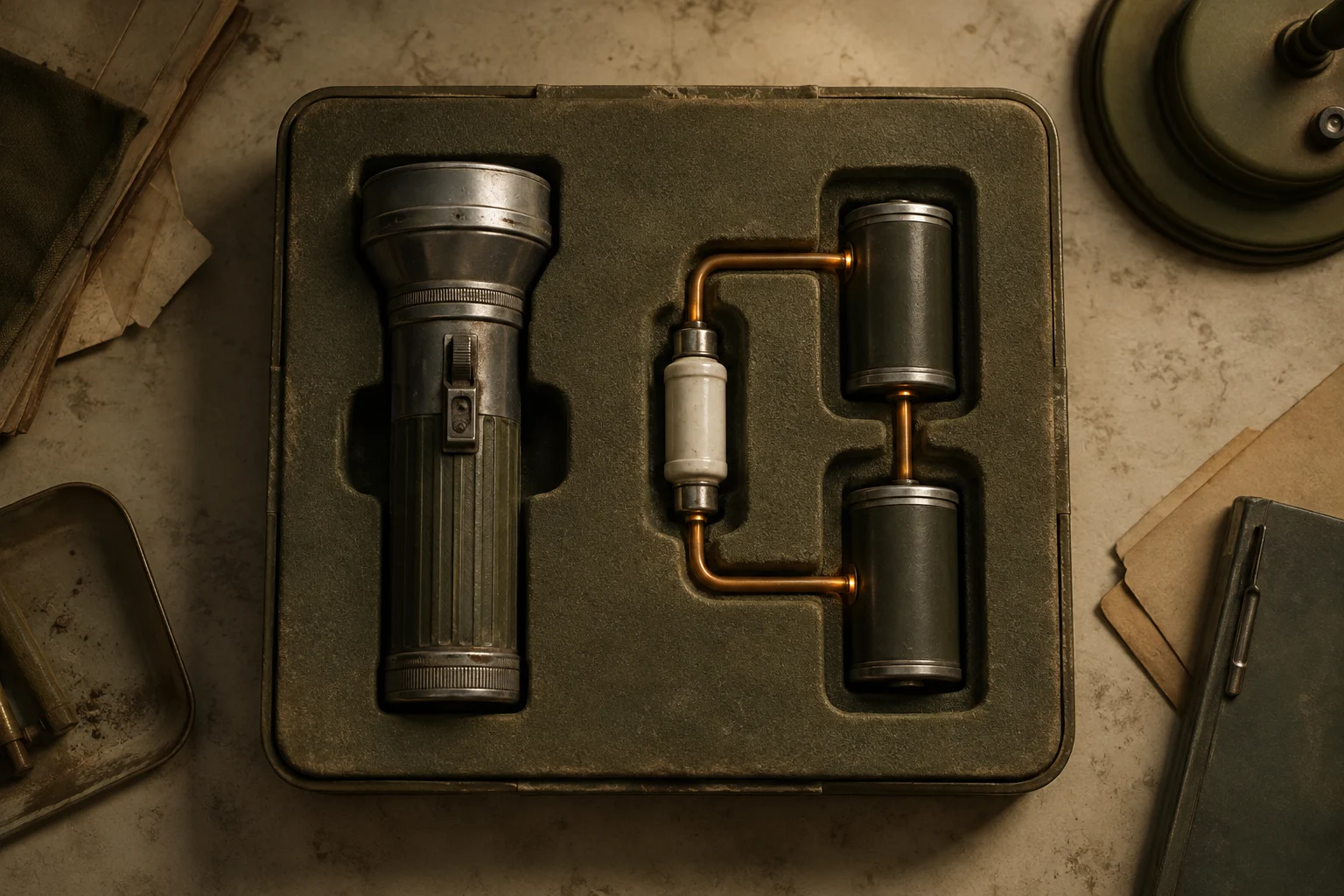
MAINTENANCE begins with a Service torch and Ceramic fuse beside each other. The opening shop includes Twin cells. Buying them adds a third LIVE object to the next empty slot, completing the connected top row. This is a useful way to learn the connection rule, although the first room has only one enemy, so the LIVE arc has no second target yet.
Tap a carried item to inspect it, choose MOVE ITEM, then tap another kit slot. An empty destination moves the object; an occupied destination swaps the two objects. You can rearrange during preparation without spending scrip. Check the family counts after moving, especially when one item connects two parts of a larger group.
The first STRIKE locks your equipment for that encounter. Buying, moving, recycling and rerolling must happen before it. You can still inspect the kit afterward, but you cannot repair a broken connection in the middle of combat. Make your last arrangement check before committing.
Choose the effect your next room needs
LIVE adds an arc against living enemies other than your selected target after your main strike. A connected group of three deals three arc damage, six deals four, and nine deals five, before any HOTWIRE bonus. Enemy armor absorbs this damage first. LIVE is particularly useful in rooms with two threats; it does not add arc damage to the selected target.
SIGNAL reduces each surviving enemy's attack by one, with a minimum of one before the Records sector benefit. A connected group of three also prevents Cablegrub from siphoning barrier. These are different benefits: reducing an incoming strike protects you generally, while grounding the siphon stops that enemy from stealing barrier and recovering health.
SHELTER restores three barrier after your attack when enemies remain, before their responses. It helps absorb repeated incoming damage. Barrier is separate from vitality, and a SHELTER circuit does not itself heal you. First aid provides a separate healing statistic, which resolves after the enemy responses if you are still alive.
Each sector adds a conditional benefit. In Intake Hall, SHELTER 3 grants two barrier before the first strike. Records Stacks rewards SIGNAL 3 with one less damage from each attacking enemy on even strikes. Service Annex gives LIVE 3 two extra direct strike power every third strike; arcs stay unchanged. The room rule shows whether its benefit is ready for the next strike.
Protect useful links while improving your kit
An item can supply power, starting barrier or healing even when its family circuit is inactive. Read the purchase comparison before judging it only by color. Conversely, replacing a modest item with higher power can make your overall position worse if that item held a defensive circuit together.
When your kit is full, recycling creates space and returns part of the item's scrip value. The confirmation shows the statistics and circuit you would lose. Moving an object can sometimes create the connection you need without spending anything or sacrificing equipment. Try that before deciding a useful family has become impossible to maintain.
Protocols can strengthen connected families later in a shift. HOTWIRE improves LIVE, DEAD AIR improves SIGNAL and stops Clerk rebuilding while SIGNAL is active, and BULKHEAD increases SHELTER regeneration while lowering your healing cap. Their requirements still depend on the kit you carry. Archiving an object also removes its connection, even when its primary statistic is preserved.
A couple of details.
Can I activate more than one family at once?
Yes. Three connected LIVE items, three connected SIGNAL items and three connected SHELTER items fit into the nine slots. Each family is evaluated separately. The practical tradeoff is what equipment you can obtain and how much room you want to devote to each effect.
Does Short Circuit help reach a family count of three?
No. Short Circuit consumes a shop offer for temporary power and barrier. It does not put the object into your kit, so it creates no inventory connection and does not activate that offer's family.